
8.3.2 - Thank You#
Here is a simple assembly of a Thank You image.

How it works:#
The script uses two images with characters, and one with the bubble:
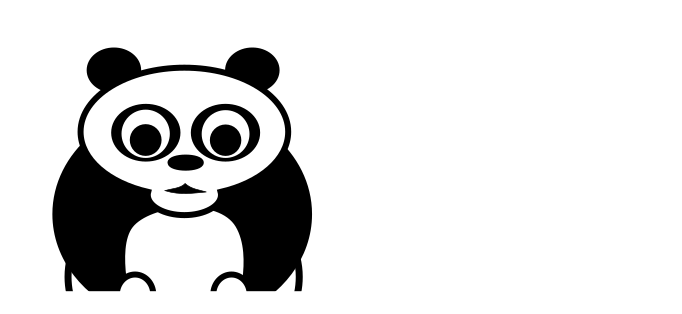
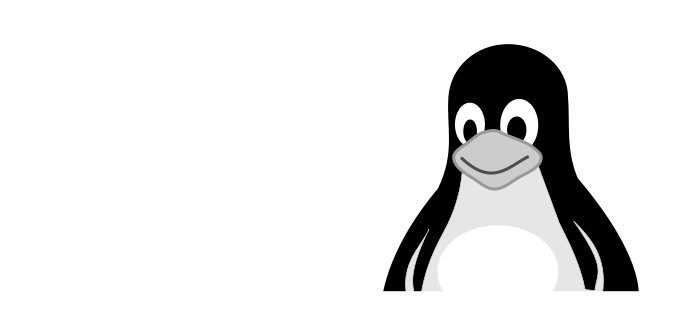
The main logic is to use a sine function to calculate smooth movements. For frame i the coordinate x would be:
\[x = sin(\frac{i}{i_{max}} \cdot (end - start)) + start\]
At the end, the image is cropped, so that the logo parts seem to move in from the outside.
Installation#
The script requires the OpenCV library for displaying the live animation and imageio for exporting animated GIFs.
pip install opencv-python
pip install imageio
The code#
import numpy as np
import cv2
import math
import imageio
import time

BLACK = (0, 0, 0)

FRAME1 = 80
FRAME2 = 20
FRAME3 = 10

MAXX = 2000
MAXY = 800
YCHARS = 300
XCENTER = 1000 - 341 // 2

def sine_move(start, end, frames, wait_frames=0):
    """
    smooth movement from a to b using a sine function.
    remain in end position forever
    """
    for _ in range(wait_frames):
        yield start
    for i in range(frames):
        angle_rad = i / frames * math.pi / 2
        if end > start:
            value = int(math.sin(angle_rad) * (end - start) + start)
        else:
            value = start - int(math.sin(angle_rad) * (start - end))
        yield value
    while True:
        yield value


def create_text():
    text = np.zeros((100, 300, 3), np.uint8) + 255
    return cv2.putText(
        text,
        "Thank You",
        (10, 50),
        cv2.FONT_HERSHEY_TRIPLEX,
        fontScale=1.0,
        color=BLACK,
        thickness=2,
    )


background = np.zeros((MAXY, MAXX, 3), np.uint8) + 255
panda = cv2.imread("panda.png")[::2, ::2]
pingu = cv2.imread("pingu.png")[::2, ::2]
bubble = cv2.imread("bubble.png")[::2, ::2]
ysize, xsize, _ = panda.shape
text = create_text()

frames = []
xgen = sine_move(0, XCENTER, FRAME1)
ygen = sine_move(0, 170, FRAME2, wait_frames=FRAME1)
fade = sine_move(start=255, end=0, frames=50, wait_frames=FRAME1 + FRAME2 + 5)

while True:
    # display frames
    frame = background.copy()
    xpanda = next(xgen)
    xpingu = MAXX - pingu.shape[1] - xpanda
    frame[YCHARS: YCHARS + ysize, xpanda : xpanda + xsize] = panda
    frame[YCHARS: YCHARS + ysize, xpingu : xpingu + xsize] &= pingu
    frame[YCHARS-150: YCHARS-150 + bubble.shape[0], XCENTER: XCENTER + bubble.shape[1]] =\
         np.maximum(bubble, next(fade))
    ytext = next(ygen)
    frame[ytext: ytext + 100, XCENTER + 40:XCENTER + 340] &= text
    frame = frame[100:550, 500:-500]  # crop
    cv2.imshow("frame", frame)

    key = chr(cv2.waitKey(1) & 0xFF)
    if key == "q":
        break

    time.sleep(0.03)

    # shrink frame for using it on the web
    rgb = cv2.cvtColor(frame[::2, ::2], cv2.COLOR_BGR2RGB)
    frames.append(rgb)

cv2.destroyAllWindows()
# imageio.mimsave('thank_you_animation.gif', frames, fps=25)